

Automating Facebook posts saves you hours each week, keeps your content calendar active, and ensures your brand voice stays consistent. If you want to know exactly how to automate Facebook posts, whether you're a solo founder, small business owner, or social media manager, this guide covers each step, with practical examples and workflow tips tailored for 2026.
1. Understand Facebook's Automation Rules and Limitations
Before scheduling, it’s important to know Facebook’s automation policies. Facebook requires that you publish to a Facebook Page (not a personal profile) and use a tool approved within Facebook’s ecosystem. Using unofficial plugins or browser bots can result in limited reach or even account bans. Always connect your page through Facebook’s official business integrations, never by sharing passwords.
Auto-sharing to Groups is restricted unless you’re an admin and have authenticated the integration. The type of post matters too, features like Stories or certain polls can’t be auto-scheduled from all tools. For reliability, stick to standard post formats: images, videos, links, and carousels.
2. Choose the Right Automation Platform
There are many platforms for scheduling Facebook content, but not all are equal. Your choice depends on your needs: do you want AI-powered caption writing, e-commerce integration, or just a basic scheduler? For example, Synapis connects your online store, auto-generates product posts, captions, and images, and schedules everything to Facebook (plus Instagram and LinkedIn).
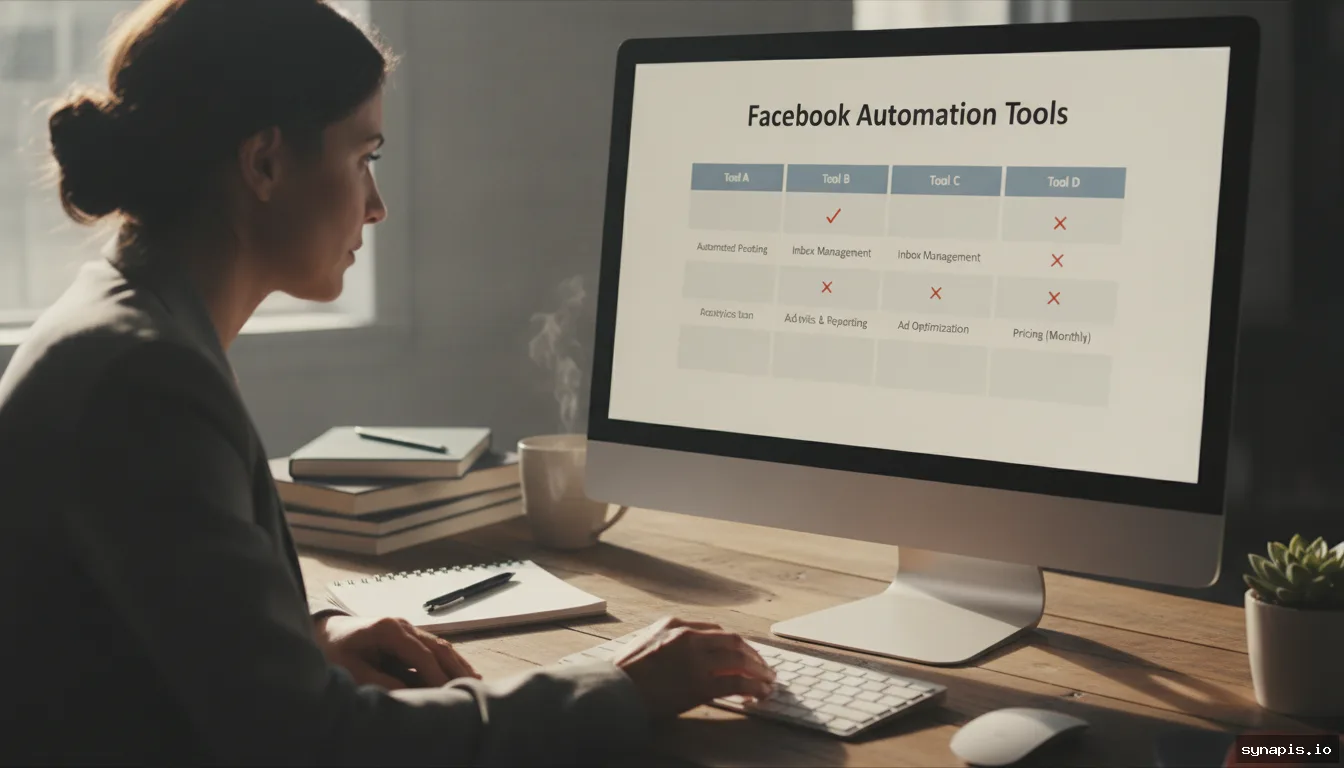
Other options include Buffer, Hootsuite, and Meta Business Suite (which replaced Creator Studio).1 Each has unique strengths in price, features, and user experience. Here’s a quick comparison of popular platforms for Facebook post automation:
| Platform | Key Features | AI Assistance | Store Integration | Multi-Channel |
|---|---|---|---|---|
| Synapis | Captions & images auto-generation, bulk scheduling, product feed connection | Yes | Yes | Yes |
| Meta Business Suite | Native scheduling, insights | No | No | No |
| Buffer | Post scheduling, analytics | Limited | No | Yes |
| Hootsuite | Bulk scheduling, team collaboration | Limited | No | Yes |
Consider your future plans. If you expect to scale content or manage multiple brands, select a platform that can grow with you.
3. Set Up Your Facebook Page and Connect to Your Automation Tool
To integrate with any automation platform, you’ll need Facebook Page admin or editor rights. Go to your chosen tool and follow its setup process: typically, you’ll log in, authorize the connection, and grant content management permissions. For example, Synapis uses a secure Facebook login flow, letting you select the Page(s) to automate. Double-check the permissions you grant, as these enable scheduling, analytics, and media uploads.
If you manage multiple brands or locations, connect each Page individually. Once connected, test by scheduling a simple post and confirming it appears correctly on your Page with the right images, format, and links.
4. Craft and Automate Your Content Calendar
A well-planned content calendar is essential for effective Facebook automation. Map out themes, campaign dates, and key promotions at least a month ahead.2 Use your automation tool’s calendar or import a CSV spreadsheet for bulk scheduling if available.3 For example, you might schedule “Monday Motivation” posts, mid-week product highlights, and Friday customer testimonials.
Use automation to vary your content: mix images, videos, curated links, and user-generated content. Platforms like Synapis use AI to auto-generate captions and images, saving significant time. Stagger your post timings and avoid publishing everything at once.4 Tools such as Buffer and Hootsuite let you set specific times or randomize slots for better reach.
For teams, assign draft posts for review or set up internal checks. This keeps your brand voice consistent and reduces last-minute errors.

5. How to Automate Facebook Posts with Media: Images, Videos, and Links
Facebook’s algorithm favors posts that attract attention, such as clear images, short videos, or clickable links. Upload media directly in your scheduler, or use AI tools like Synapis to generate them. When scheduling images, follow Facebook’s recommended dimensions (at least 1200 x 630 pixels) to prevent cropping. For video, use MP4 format under 4GB, and keep clips under 2 minutes for higher engagement.
Always include UTM tags in links for tracking. Many automation platforms can auto-add these. If you’re scheduling shop products, integrate your product feed so new arrivals post automatically. Preview images and video thumbnails before scheduling, as some previews may need adjustment in your automation dashboard.
6. Monitor, Adjust, and Optimize Your Automated Facebook Posts
Automation requires regular review. Check your Facebook Insights weekly to see which posts drive the most engagement. For deeper analytics, such as optimal posting times or engagement heatmaps, use your automation platform’s reporting tools. Synapis, for example, reports on engagement metrics for posts it published.
Adjust your schedule and content mix based on results. If video posts outperform images, automate more video slots next month. Use A/B testing features to experiment with different headlines or creative. Set regular reviews to refine underperforming themes and focus on what gets the best response from your audience.
7. Facebook-Specific Gotchas: Scheduling Nuances and Pitfalls to Avoid
Facebook automation has its quirks. Once a scheduled post is published, you can’t edit it, so double-check content and media before confirming. Facebook’s spam filters may flag repetitive or overly promotional posts, reducing reach. Avoid copy-pasting identical captions or links across all posts.
Tagging other Pages or using branded hashtags can be inconsistent through automation tools; check for platform-specific limitations. Scheduled events or Stories often require manual publishing. Facebook also updates API permissions regularly; if your automation tool loses posting access, re-authenticate promptly. Stay updated with your platform provider for any changes.
Automating Facebook posts helps you manage your social media efficiently and consistently. With the right setup and a few smart checks, your brand can maintain high visibility and save significant time, freeing you to focus on growth.5 To streamline your social content across Facebook, Instagram, and LinkedIn, try Synapis for AI-powered scheduling, content generation, and product feed automation.