

Announcing a sale on social media captures attention fast and drives real revenue, if you do it right. The steps below explain exactly how to announce a sale on social media, from prepping your assets to maximizing engagement and tracking your results.
Audit Your Sale Details and Set Clear Goals
Before posting anything, clarify the parameters of your sale. Define the discount, the products or collections included, and the start and end dates. Choose a promotional hook: flash sale, seasonal clearance, or exclusive offer for followers. Align your goals with the expected outcomes, do you want to clear inventory, spike revenue, or grow your follower base? Setting a numeric target (like “sell through 60% of last-season stock” or “add 500 new Instagram followers”) keeps your campaign focused and measurable.
Think about logistics. Verify inventory and confirm that your online store systems can handle increased demand. Delays resulting from overselling or tech hiccups can turn a successful promo into a customer service headache. Connect your sale inventory to your social media content, ensuring that any product you feature is truly available for purchase.
Craft Compelling Sale Announcements
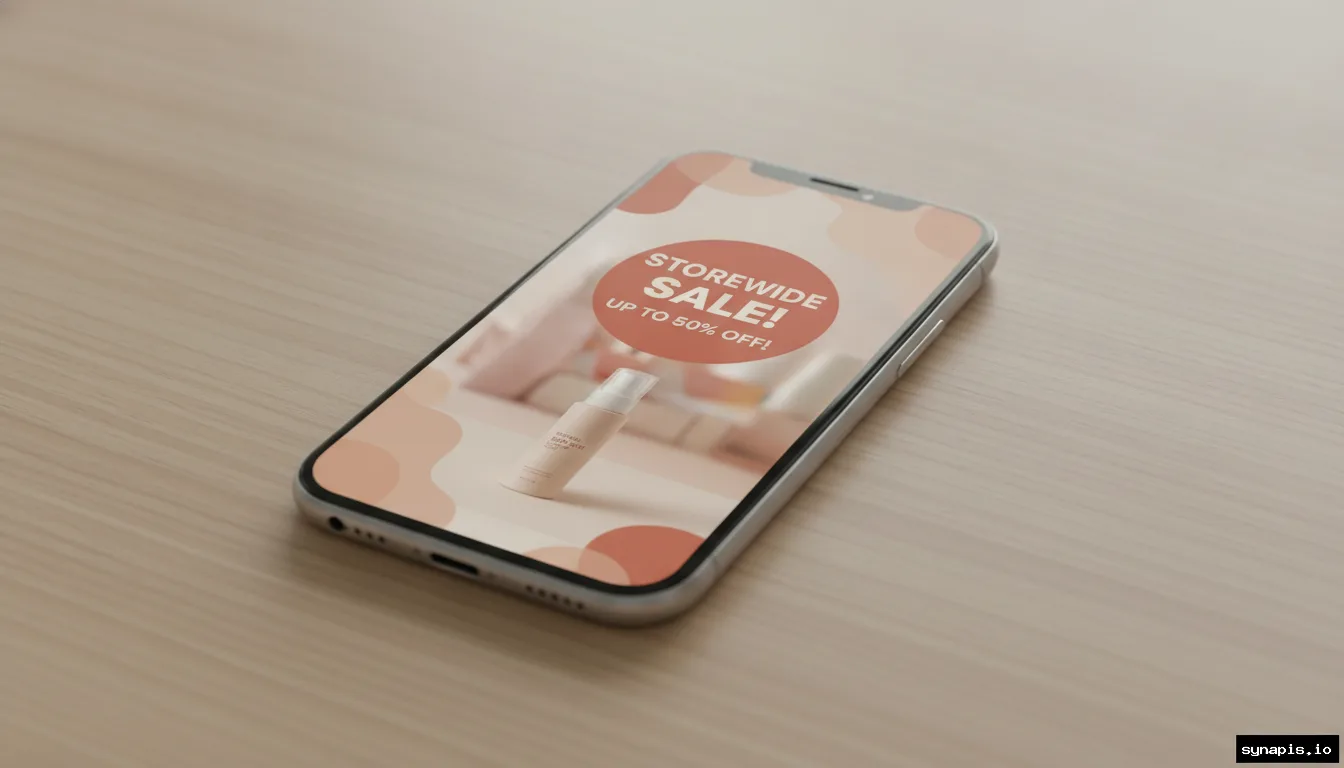
Your announcement post is the linchpin of your social campaign. Lead with the value: specify the discount or deal upfront. Use urgent, action-oriented language (“24-hour flash sale,” “Ends tonight”) to drive response. Visual clarity matters. Feature a photo of your best-selling product or a lifestyle scene that matches your brand’s tone. For example, Steve Madden’s Instagram flash sale paired a crisp product shot with a bold discount banner, simple, direct, and effective.1
Don’t forget the caption. Highlight what’s on offer, why it’s special, and how to claim the deal. Include hashtags that match the campaign and your niche, but keep them relevant, skip generic spam. If your brand voice is playful, let it show. If your audience values luxury, keep the tone upscale and focused on exclusivity.
Choose the Right Platforms for Your Audience
Not every platform gives equal results. Instagram is the first choice for 70% of marketers, thanks to its shopping tools and visual format, while Facebook’s 3 billion monthly users mean massive reach.2 LinkedIn can work for B2B businesses running service or software promotions. Match your sale announcement to where your buyers spend time, use platform analytics from past campaigns to see what’s worked before.
Tailor your visuals and messaging to each network. Instagram Stories and Reels are great for urgency and motion (“Sale ends at midnight!”), while Facebook Events can create structured hype around limited-time offers. Profile updates, a new bio line, a pinned post, or a cover photo advertising the sale, ensure every visitor sees your promotion, even if they miss your initial post.
How to Announce a Sale on Social Media for Maximum Impact
Planning your post timing and content sequence can double your impact. Start with a teaser (“Something big is coming…”), then drop your main announcement when the sale launches. Follow up with reminders as the deadline approaches. For a one-day flash sale, post at least three times: announcement, midpoint reminder, and last-chance alert. For weeklong campaigns, space reminders every two or three days.
Use different formats, posts, Stories, and Reels, to keep your content fresh and reach more of your audience. Announcements posted during peak engagement hours (typically lunchtime and early evening) consistently outperform off-hours posts. Scheduling these updates with a tool like Synapis ensures you never miss the optimal window, even if you’re managing multiple platforms.

Amplify Your Sale with On-Brand Visuals
Images and videos decide whether a scroll leads to a sale or a swipe away. Develop a visual theme for your campaign, consistent use of your brand’s colors, logos, and typefaces helps recall and trust. Feature your hero products in realistic, appealing scenes. Product-in-use photos, flat lays with sale highlights, and before-and-after montages all work well, depending on your brand’s aesthetic.
Many store owners use design templates to speed up this process or automate it with AI-powered platforms like Synapis, which generate on-brand images and captions from your store’s data. Regardless of method, every image should reinforce the offer and include a visible “Sale” or discount badge. Avoid clutter: one clear offer and product per image outperforms crowded collages.
Pin, Highlight, and Promote Sale Content
Make your sale impossible to overlook. Pin your main sale announcement to the top of your Facebook Page or Instagram profile. Change your cover photo or add a highlight icon to keep the promotion visible. Stories and temporary “Highlights” on Instagram can serve as a visual sale archive, use these to showcase different products, FAQs, or customer testimonials.
Consider creating a Facebook Event for larger promotions. This gives followers reminders and a place to RSVP, and you can update attendees with flash deals or time-limited codes. Even smaller brands can benefit from updating their profile bios to mention the sale (“Summer Sale: 25% off all swimwear, this week only!”).
Engage, Interact, and Respond to Your Audience
Once your sale announcement is live, interact with your audience directly in the comments and through post engagement features. Quick replies to questions about sizing, availability, or shipping make shoppers more likely to purchase. Use polls or quizzes in Stories to boost interaction, questions like “Which product should we discount next?” create a sense of involvement and excitement.
Monitor engagement metrics to gauge reach and resonance. If a post is outperforming, consider resharing or boosting it organically. High engagement early in the sale period means you can ride that momentum with additional reminders or extended offers. Keep the tone positive and helpful to encourage sharing and repeat visits.
Track Performance and Adjust Tactics
After announcing your sale, dig into platform analytics to see what worked. Track metrics like reach, impressions, clicks, and on-platform conversions. On Facebook and Instagram, focus on post saves, shares, and click-through rates. If you’re using a publishing tool like Synapis, you can view consolidated engagement data for each post and network, letting you compare which formats and messages drove the most results.
Plan a post-campaign review. What performed best, flashy single-product images, lifestyle videos, or text-based Stories? Did last-chance reminders drive a spike in sales or just likes? Use this data to refine your next campaign, dropping what didn’t move the needle and doubling down on content that did.
Keep the Sale Visible Until the Last Minute
Sales fade quickly from followers’ minds as feeds update. Schedule frequent but varied posts to keep your sale top-of-mind. Use countdown stickers on Instagram Stories to build anticipation and urgency. Remind your audience of the deadline as it approaches, “Only 3 hours left!”, and update your profile bio or pinned posts to reflect the time left or stock running low.
Don’t stop when the sale starts: continue to engage new followers and late browsers throughout the event. After the sale ends, thank your buyers publicly and tease future offers to keep your audience engaged for next time. Consistency and clear communication drive not just sales, but long-term brand loyalty.