
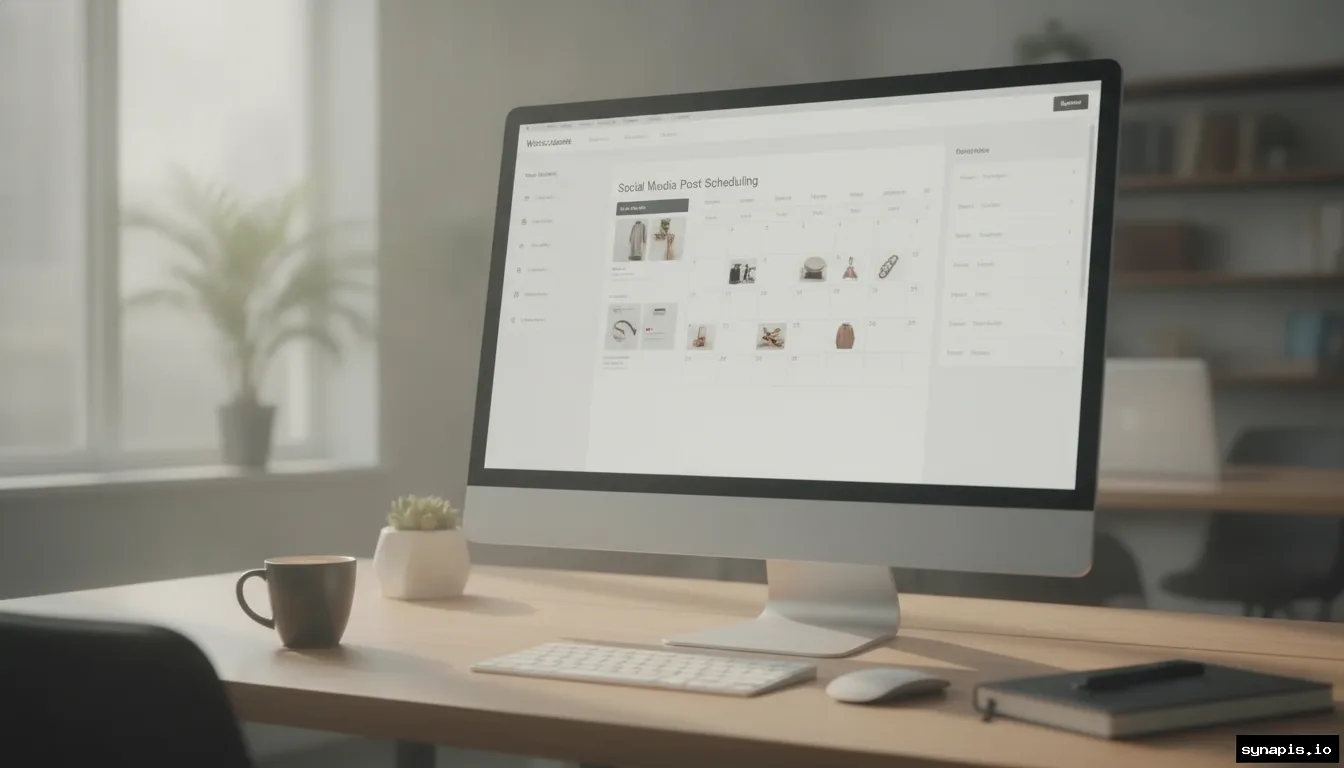
WooCommerce social media automation cuts manual work, keeps your feeds active, and helps stores turn products into conversations. Platforms and plugins now handle everything from auto-posting new products to scheduling branded content on multiple channels. Here’s how today’s automation works, what tools are actually worth your time, and how smart workflows help small and large WooCommerce stores win more attention with less effort.
Why Automate Social Media for WooCommerce?
Manual posting quickly becomes unsustainable as your product catalog or content calendar grows. Every new WooCommerce product, update, or campaign needs to reach customers fast, but logging into each network, crafting posts, and publishing at the right time eats hours weekly. Automation removes that bottleneck. Tools can now watch your store, trigger posts when products go live, and schedule updates around the clock. The result is consistent engagement and timely promotion, without hiring a dedicated social media team.
Data backs this up. WooCommerce runs a third of global online stores, with over 38% of those merchants active on Instagram and 35% on Facebook.1 For these stores, social feeds are the front line for new product drops, restocks, and time-limited offers. Automation makes sure that updates land simultaneously across platforms, maximizing reach while freeing up your staff for higher-impact tasks. It’s not just about time-saving; it’s about ensuring you never miss an opportunity to promote your products where your customers scroll.
Plus, automation helps maintain a professional brand presence. Even if your marketing team takes a break, scheduled posts keep your store top-of-mind. And with automation handling the repetitive work, you can focus on strategy, creativity, and responding to real customer feedback, rather than spending your day copying links and resizing images.
How Social Media Automation Works with WooCommerce
Today’s automation tools connect directly to your WooCommerce store via plugins or integrations. Once set up, they sync your product catalog and monitor for changes, new listings, price updates, or inventory changes. When something changes, the tool generates a post, fills in key details like product name, price, or a short description, and pushes it to your chosen channels. The smartest platforms let you customize templates, add dynamic product data, and set posting rules by product category or tag.
Most automation systems include a scheduling calendar. You can queue posts for optimal times, batch-schedule campaigns, or run recurring workflows for evergreen products. Some plugins also support bulk actions, select a dozen products and create posts for all of them in minutes. This is especially useful during peak seasons or big launches when you need to promote many items at once.
AI-powered tools now go further, analyzing your brand’s website to match tone, visual style, and even create images for social posts. This keeps your messaging on-brand, whether you’re launching a new collection or running a flash sale. Reporting dashboards close the loop by showing how each post performs: impressions, likes, comments, shares, and more.

Top Social Media Automation Tools for WooCommerce
The market has exploded with options, but not every plugin or platform is built for ecommerce. For WooCommerce stores, these standouts cover the real needs:
- Synapis: Connects your WooCommerce store, analyzes your brand site, generates custom captions and images on-brand, then schedules posts to Facebook, Instagram, and LinkedIn. Synapis handles both product-synced posts and recurring content, with reporting for every campaign.
- FS Poster: A WordPress plugin that automatically shares WooCommerce products, posts, or custom types to up to 26 social networks. Offers per-channel category filters, bulk scheduling, and customizable post templates with dynamic variables like title, price, or image.
- Blog2Social: Focused on flexible scheduling and format customization, this plugin turns blog posts and product launches into platform-optimized social content. Built-in calendar, cross-promotion, and preview features help tailor the message for each channel.
- Revive Social: Allows sharing of WooCommerce products and other custom post types, supports content variations for multi-network campaigns, and can tap external services via webhooks or Zapier for even broader automation.
When choosing a tool, consider the social networks covered, the level of template customization, how closely it matches your brand voice, and reporting features. Some plugins, like FS Poster, cast a wide net across 26 platforms, while others, like Synapis, focus on deep branding and AI-powered content for the core business networks.2
Scheduling Strategies: Templates, Timing, and Campaigns
A strong automation setup is only as effective as its scheduling strategy. Start by mapping your ideal posting frequency for each network, some audiences expect daily updates, others prefer weekly highlights. Automation tools typically offer posting calendars where you can drag-and-drop product announcements, event promos, or recurring tips. Look for features like recurring posts (for evergreen products), bulk scheduling (for launches), and template management to keep your feed varied without extra work.
Template flexibility matters. Many tools support dynamic fields: pull in product names, prices, short descriptions, or even SKU codes directly into every post. This keeps your posts informative and relevant, while letting you tweak the copy to fit platform conventions (such as shorter text for Instagram, links for Facebook, or professional tone for LinkedIn).
For best results, pair automation with analytics. Review which times and formats draw the most engagement, and adjust your schedule accordingly. Some tools surface peak engagement times or suggest optimal posting windows, but even basic reporting helps you refine your approach over time.

Keeping Your Posts On-Brand with AI and Design
Brand consistency is crucial, off-brand visuals or mismatched captions can undercut trust. AI-powered automation platforms, including Synapis, now analyze your website’s colors, fonts, logo, and writing style before generating any content. This means every social post echoes your store’s unique look and voice, with product descriptions and images designed to fit campaign themes.
Some tools generate images directly from product data and brand templates, reducing the need for manual design work. This speeds up campaign creation and ensures all graphics meet your style standards. You can also set up pre-approved templates for promotions, events, or holidays, then let automation fill in the details and schedule the posts. The best platforms make it easy to preview posts and tweak as needed before publishing.
For stores with multiple categories or shifting collections, these design tools maintain visual consistency across dozens or hundreds of posts, something that’s nearly impossible to scale by hand. The end result: your brand feels coherent and polished, no matter how many products or campaigns you run each month.
Measuring Results: Engagement Metrics and Reporting
Automation delivers value only if you know what’s working. Leading platforms track every post they publish, surfacing metrics like impressions, reach, likes, comments, shares, and saves. For WooCommerce stores, this feedback loop ties your product launches to real audience reactions, showing which items capture attention and which campaigns need tweaking.
Dashboards break down performance by channel and campaign. This lets you spot trends, identify top-performing products, and refine future content strategies. Some tools, such as Synapis, focus their analytics on posts published through the platform, making it easy to compare results over time and optimize your schedule for higher engagement.
Use these metrics to inform not just your social content, but your overall marketing calendar. High-performing posts can signal which products deserve extra promotion, or reveal new audience interests. The more you automate reporting and analysis, the easier it becomes to scale your WooCommerce store’s social presence without losing the personal touch.